

I have a strong opinion here: most telehealth teams start in the wrong place. They obsess over call quality first. I don’t. Quality matters, but HIPAA failures usually happen before the first frame renders or after the call is over, when somebody copies a link into the wrong channel, a guest joins from an untrusted device, or the system cannot prove who saw what. That is the real production risk.
At AST, when we wire video visits into a live care network, we treat the visit as part of the clinical record chain, not a standalone app. The same discipline that keeps EHR integrations sane applies here: you define the trust boundary, you harden the edge, and you control the handoff back into the chart. If you do not know where identity is asserted, where tokens expire, and where logs land, you do not have a telehealth platform. You have a casual promise.
What HIPAA actually cares about in a video visit stack
HIPAA does not care whether your UI is beautiful. It cares whether protected health information is reasonably safeguarded in transit, at rest, and in access paths you forgot to model. In video visits, the dangerous places are predictable.
- Identity before entry — who is allowed into the visit, and how the system verifies that person.
- Transport security — whether media and signaling are encrypted end to end as far as your architecture allows, and not downgraded by some side channel you forgot.
- Session boundaries — whether a visit ends cleanly, whether a stale token can still re-enter, and whether links expire properly.
- Minimum necessary exposure — whether waiting rooms, notifications, logs, and emails reveal PHI beyond what is required.
- Auditability — whether you can reconstruct who joined, when, from where, and under what authorization.
- Operational recovery — whether support can safely rescue a broken visit without creating a privacy incident.
The mistake I keep seeing is teams treating the room link like a harmless URL. It is not harmless. In production, a link is a bearer instrument unless you bind it to identity, time, and state. If the link is enough on its own, you have built a leak waiting for a forwarding thread, a shared inbox, or an overhelpful receptionist.
How I break the architecture apart at AST
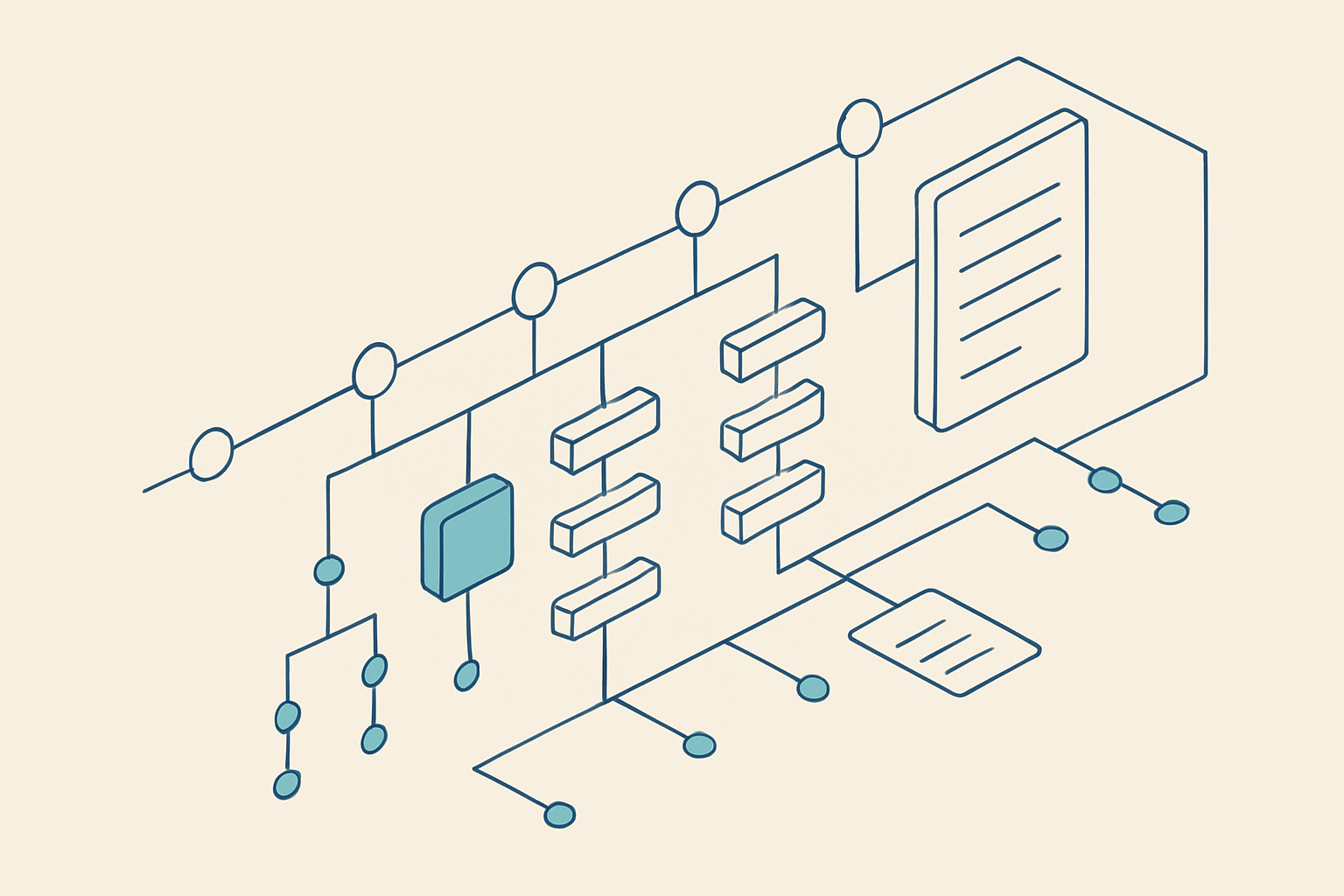
When we design telehealth interoperability, I separate the stack into layers that can fail independently without turning into a privacy event.
- Identity and authorization Authenticate the patient, guardian, interpreter, or guest before you expose any encounter-specific context. Use short-lived session tokens and role-bound access. A guest should never inherit full chart privileges because they clicked a link.
- Scheduling and invitation Generate visit links from a server-side workflow tied to the appointment state. Do not let front-end code invent visit URLs. That is how you lose control of expiration, reuse, and revocation.
- Session bootstrap Keep the waiting room sparse. Show only the minimum necessary patient-facing data. If you display name, appointment type, provider, and start time, you are already doing enough in most workflows.
- Media transport Use encrypted signaling and media paths, and make sure the vendor’s guarantees survive reality under NAT, mobile networks, and browser restrictions. If your architecture needs a fallback relay, understand exactly what traverses it.
- Visit state and audit Capture join, leave, reconnect, handoff, and abandonment events with a durable event trail. Support teams live in this trail when something goes wrong.
- Charting handoff Close the loop back into the EMR so the encounter has a durable record of the visit state, not just a video artifact stranded in a vendor console.
That sequence sounds obvious until someone tries to skip it and buy “video” from a procurement shortlist. We did that once in an early integration review. The platform looked clean, but the vendor’s lifecycle model assumed the visit existed only inside one browser tab. That broke our ability to handle a clinic staff member rejoining a session from a different device. It also made support reconstruction ugly. We tore it apart and rebuilt the session logic around state, not page views.
Where scale changes everything
Small telehealth pilots survive on manual heroics. Scaling does not forgive heroics. At larger volumes, the failure mode shifts from one broken visit to a pattern of brittle assumptions: outdated links, device incompatibility, support agents abusing admin tools, and network conditions that only show up when traffic spikes.
In AST delivery work, the scale breakout usually appears in four places:
- Token lifecycle — if session tokens are too long-lived, you lose control; if they are too short-lived, patients in weaker networks get kicked out mid-visit.
- Device diversity — old iPads, managed smartphones, locked-down desktops, and browsers with stale policies behave differently. Your workflow has to tolerate that.
- Support intervention — the people who rescue a visit need a safe path that does not let them impersonate a patient or expose unrelated data.
- Scheduled bursts — clinics do not create a smooth traffic curve. They create rooming waves, lunch spikes, and staggered start times that all land at once.
This is where too many teams get trapped by the myth of universal browser simplicity. Browser-based video is great until you need enterprise controls, device policy, or a fallback path when the browser is blocked by something as boring as an overreaching security profile. Then the architecture matters more than the GUI.
We have seen the same pattern in integrations and in telehealth: the vendor says the edge case is small, but the edge case becomes the duty cycle in real clinics. A single broken rooming workflow repeats across every provider on the floor. That is why I care about event reconstruction, deterministic state transitions, and operational controls as much as I care about stream quality.
Vendor selection: the questions that expose weak platforms
I do not start with feature checklists. I start with failure questions. If a vendor cannot answer these cleanly, I keep walking.
- How are visit links minted, scoped, and revoked?
- What exact PHI appears in the waiting room, reminders, email, and logs?
- Can a support agent safely recover a dropped visit without seeing more than necessary?
- What happens when the patient joins from a second device, a weak network, or a locked-down browser?
- How do you prove who attended the visit if a caregiver or interpreter joined?
- What is your audit trail export path, and can it map to EHR encounter metadata?
- How do you handle failover without silently changing privacy boundaries?
If the answers sound hand-wavy, the platform is hand-wavy. I have lost time to vendors who used the word secure as if it were a complete architecture. It is not. Secure needs to be attached to concrete behavior: expiry, revocation, authentication, and logging.
| Decision area | What I want | What usually breaks |
|---|---|---|
| Linking | Short-lived, server-issued, role-bound visit access | Reusable URLs sent through inboxes and chats |
| Waiting room | Minimal PHI and clear state | Overexposed appointment details |
| Support tools | Break-glass access with audit | Admin shortcuts that bypass controls |
| Logs | Durable, exportable event history | Vendor-only console history |
| Fallback | Defined recovery path with preserved privacy | Random phone calls and manual workarounds |
That table is the real buying filter. It is not about pretty screens. It is about whether the operational seams hold when your clinic is busy and your patient is already frustrated.
How AST handles this in the real world
At AST, I do not wire telehealth as a one-off app. I wire it as part of the broader interoperability layer: scheduling signals in, encounter state out, and the audit trail anchored to the systems clinicians already trust. The work usually touches the EMR, identity provider, messaging layer, and analytics pipeline, because a video visit is only useful if the rest of the workflow knows it happened.
We also keep the implementation boring where it should be boring. Boring is good in healthcare. Boring means predictable token expiration, predictable login paths, and predictable audit retention. If your telehealth setup is exciting, I already suspect you will have a support problem later.
When we build around care workflows, we also keep the boundaries between clinical systems and telehealth explicit. That matters when clinics use multiple scheduling systems, specialty workflows, or a mix of virtual and in-person care. A telehealth layer that assumes one perfect source of truth will fail as soon as the clinic’s reality gets messy. And clinics are always messy.
We have seen this in projects where the video layer looked fine in isolation, but the confirmation message, roster update, and chart handoff all drifted apart. Then front desk staff started compensating manually. Manual compensation is where compliance and scale both go to die.
What to implement this week
If you are trying to harden an existing video visit stack, start here. Do not rip everything out. Fix the seams.
- Inventory every PHI touchpoint List what appears in email invites, SMS reminders, waiting rooms, support consoles, and logs. Remove anything you do not need for the workflow.
- Shorten and bind access Make visit access time-bound and tied to identity or appointment state. Revoke on completion.
- Define support rescue paths Write the exact steps support can take when a visit fails. Include who approves access, what they can see, and how the event is logged.
- Test ugly devices and ugly networks Use old browsers, weak Wi-Fi, mobile handoff, and low-bandwidth conditions. The test plan should look closer to a clinic waiting area than a conference room.
- Reconcile the encounter back to the chart Ensure the EMR reflects visit status, join/leave events, and completion state so operations can trust the record.
If you want a sanity check on your architecture, compare it against the workflow discipline we use in adjacent clinical platforms, including our work on Medexa. Different problem, same lesson: the model or media layer is never the whole product. The workflow around it decides whether it can survive a real clinic.
Build video visits that survive real clinics
If your telehealth stack breaks under support access, bad networks, or messy scheduling, the problem is architectural, not cosmetic. I can help you design the identity, audit, and interoperability layers that keep video visits compliant at scale.

Comments
Comments are warming up. Live, no-sign-in discussion will appear here shortly.
Have a question now? Email info@allstartech.net.